
Introduction: Why Claude Sonnet 4.6 matters for you
Table of Contents
- Introduction: Why Claude Sonnet 4.6 matters for you
- What is Claude Sonnet 4.6 and what’s new in this AI model
- How AU users can access Claude Sonnet 4.6 and pricing options
- Long-context power, thinking modes, and built-in AI tools
- Everyday and business use cases for Claude Sonnet 4.6
- How Claude Sonnet 4.6 compares to Sonnet 4.5 and other AI models
- Practical tips to get started with Claude Sonnet 4.6 today
- Conclusion and next steps with Claude Sonnet 4.6

Claude Sonnet 4.6 is not just another AI model name in a long list. It is Anthropic’s new “balanced” frontier model, and it is already the default model powering the Claude.ai experience for most people, including free users in Australia. If you have opened Claude recently and started chatting, chances are you have already used Sonnet 4.6 without realising it.
For AU users, this release matters because it shifts what you can realistically hand over to an AI. Long coding projects. Multi-day research. Detailed financial reports. Even semi-autonomous agents that run in the background while you work on something else. Sonnet 4.6 is built to handle all of that at a speed and price that makes sense for everyday use.
In this guide, we will break down what’s new, how to access Claude Sonnet 4.6, and where it fits into your life and business. We will also talk about its long-context abilities, new “thinking” controls, and real examples for work, study, and startups in Australia. By the end, you will know exactly how to put it to work instead of just reading headlines about it.
https://claude.ai • For a secure, Australian-focused front end that can orchestrate Claude alongside other models, you can also use a secure Australian AI assistant for everyday tasks.
What is Claude Sonnet 4.6 and what’s new in this AI model
Claude Sonnet 4.6 is Anthropic’s latest mid-tier frontier model, designed to sit in a sweet spot between raw power and everyday usability. It is fast, relatively affordable, and strong enough for complex work and long-running AI agents. Anthropic now treats it as the main workhorse across ClAnthropic now treats it as the main workhorse across Claude.ai on web, iOS, and Android, and it is the default model for the upgraded free tier in Australia.as. It delivers frontier-level coding and reasoning, so you can use it across the full lifecycle of software development – from planning architecture and writing features to reviewing pull requests and fixing intricate bugs. Anthropic reports around a 10% improvement on coding benchmarks and strong gains on long-horizon reasoning and Anthropic reports that Sonnet 4.6 achieves a 94% score on its insurance benchmark for computer-use tasks, making it the highest-performing model they’ve tested for complex insurance workflows, and showcases strong gains on long-horizon reasoning and software development tasks.n API beta. In plain language, that means it can read and keep track of huge document sets, long chats, and sprawling codebases without losing the thread. It can also produce up to 64K tokens of output, which is enough for deep reports, full proposals, or multi-chapter guides in a single run.
Under the hood, Sonnet 4.6 introduces new “thinking” controls and expanded tool use, making it far better suited to agentic, multi-step workflows. It slots into Anthropic’s ecosystem, including Claude Cowork and Claude Code, and is also available through platforms such as Amazon Bedrock and Snowflake Cortex AI for enterprise deployments and AU-region hosting.
https://www.anthropic.com/news/claude-3-7-models https://www.anthropic.com/api • For a snapshot of the Sonnet family’s evolution and positioning, see Claude Sonnet 4.5 and Anthropic’s update on Sonnet 4.6, which outline how these “balanced” models are tuned for real-world work.
How AU users can access Claude Sonnet 4.6 and pricing options
Getting access to Claude Sonnet 4.6 in Australia is straightforward, whether you are a casual user or a developer. The easiest path is the Claude.ai interface. Go to claude.ai in your browser or install the Claude app from the Australian App Store or Google Play. Sign in with email, or use single sign-on like Google or Apple where supported, and you will land directly in a chat powered by Sonnet 4.6 as the default model.
The free tier now uses Claude Sonnet 4.6 out of the box, giving you the latest default model without any change to pricing. You get daily message quotas plus access to key features like file creation, external connectors, skills, and context compaction. If you need more capacity, you can move up to Pro, Team, or Enterprise plans, which increase message and token limits and add priority access. Exact quotas and token pricing are visible in your Anthropic console, since they can change over time and differ by plan.
For developers and builders, Sonnet 4.6 is available through the Claude Developer Platform using the model
name claude-sonnet-4-6. The 1M-token context window is currently in API-only beta, so you will
access it programmatically. You can call it directly via Anthropic’s API or through cloud providers like
Amazon Bedrock, Google Cloud Vertex AI, and Microsoft’s Foundry, all of which offer AU-region hosting for
better latency and local data residency.
On the pricing side, Anthropic lists API rates at USD $3 per million input tokens and $15 per million output tokens, with major cost reductions possible using prompt caching and batch processing. Prompt caching can trim up to 90% off large, shared prompts, while batch processing can cut bulk jobs by up to 50%. Third-party tools such as Overchat AI also bundle Sonnet 4.6 into fixed-price plans, which can be attractive if you want broad usage across many models rather than metered tokens.
https://www.anthropic.com/api/pricing https://aws.amazon.com/bedrock/ https://vertex.ai • For Australian teams that prefer a managed layer on top of raw APIs, Lyfe AI’s services can wrap Sonnet 4.6 into secure workflows, while tools like Overchat’s Sonnet 4.6 integration highlight how pricing and packaging can differ across platforms.
Long-context power, thinking modes, and built-in AI tools
The real magic of Claude Sonnet 4.6 shows up when you push it with long, messy tasks. Its 200K-token context window lets you drop in large PDFs, collections of contracts, financial workbooks, or entire code folders and ask for deep analysis without chopping everything into pieces. For teams handling compliance, due diligence, or long research projects, this removes a lot of friction.
On top of the raw context, Sonnet 4.6 adds context compaction. As a conversation grows, it automatically condenses older parts of the chat while keeping key details. In practice, this feels like talking to someone with a very good memory who can summarise past phases of a project without losing the important bits. It helps the model stay reliable near the context limits, which is vital when you use it as a long-running AI coworker.
Sonnet 4.6 also introduces more control over how it “thinks”. Through the API, you can turn on extended or
adaptive thinking modes and adjust an effort parameter. Medium effort is the default sweet
spot for most tasks, balancing speed, cost, and quality. Max effort tells the model to reason more deeply,
which is useful for complex coding bugs, tricky analytics, or multi-step business logic. You can even
enable thinking: { type: "enabled" } to interleave visible reasoning with answers.
Then there are the tools. Sonnet 4.6 can use web fetch to search and process live information, run code snippets for data analysis or simulations, and use a memory system to store personal or team-level preferences over time. It can also call external tools programmatically, which is the backbone of agentic, multi-step workflows like autonomous browsing, form completion, or chained report generation. Combined with the thinking modes, this turns Sonnet 4.6 from a simple chat bot into something closer to a digital operations assistant.
https://docs.anthropic.com/en/docs/build-with-claude/tools https://docs.anthropic.com/en/docs/build-with-claude/extended-thinking • If you prefer not to wire these tools yourself, Lyfe AI’s automation and custom AI model services can stitch Sonnet 4.6 into end‑to‑end processes, while real‑world reviews of its long‑context behaviour (see Tom’s Guide coverage) show how it copes with entire projects at once in practice.
Everyday and business use cases for Claude Sonnet 4.6
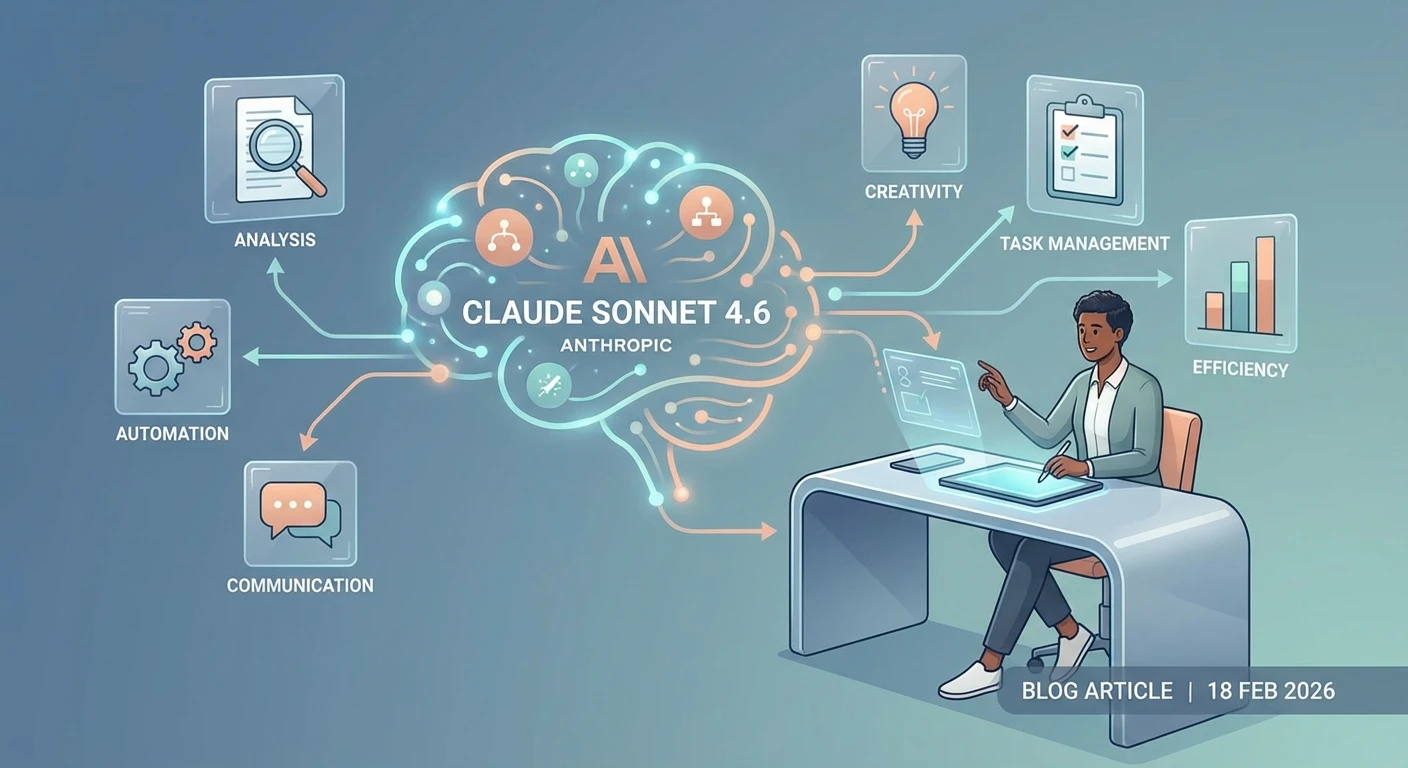
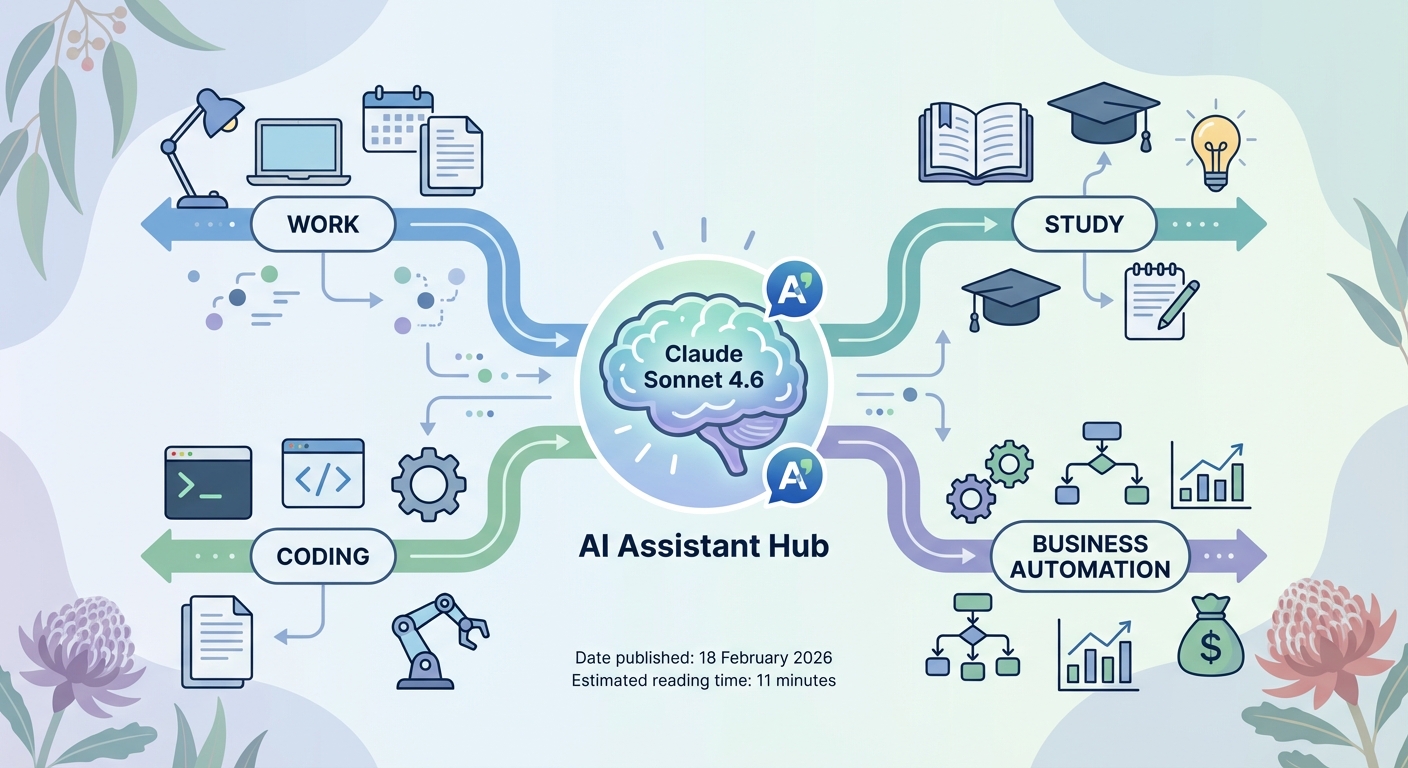
For personal use in Australia, Sonnet 4.6 can slip into your day in quiet but powerful ways. You can ask it to draft emails, polish CVs, or refine LinkedIn posts that sound like you but sharper. It can plan weekly meals using local supermarket specials, generate shopping lists, or sketch out simple budgets and savings plans. For students, it works as a patient tutor: breaking down maths steps, explaining legal concepts, or quizzing you on HSC topics.
The long-context features shine when you use it as a reading and thinking partner. You might paste in a whole white paper on Australian housing policy and ask for a plain-English summary, then follow up with targeted questions. Or you could feed it a bundle of meeting notes, email threads, and slide decks, and ask it to produce an action list and a one-page summary for your manager.
On the business side, Sonnet 4.6 is particularly strong in analytics, documents, and customer-facing workflows. It can interpret spreadsheets, financial statements, and charts, and then compile narrative reports that read like they were written by a mid-level analyst. Benchmarks show it matching higher-end models on Office-style tasks, which makes it a realistic helper for monthly reporting, board packs, and investor updates.
Customer support is another key strength. With the right tools and guardrails, you can use Sonnet 4.6 to power autonomous or semi-autonomous support agents that handle common issues end-to-end. It follows instructions more tightly than older Sonnet versions and is better at correcting its own mistakes across multi-step flows. In larger enterprises, this agentic behaviour extends to workflows such as compliance review, procurement, or onboarding, often deployed via platforms like AWS Bedrock or Snowflake with AU data residency in mind.
https://www.anthropic.com/news/claude-3-7-models https://www.snowflake.com/en/data-cloud/cortex-ai • For smaller Australian teams that want these workflows without managing infrastructure, Lyfe AI’s professional services can wrap Sonnet into support desks, analytics pipelines, and back‑office automations, drawing on insights from evaluations like Claude’s own Sonnet usage guides.
How Claude Sonnet 4.6 compares to Sonnet 4.5 and other AI models
If you have used Sonnet 4.5, Sonnet 4.6 will feel like a more focused and capable version of the same personality. The core interaction style is familiar – careful, concise, and safety-focused – but the underlying engine has more stamina and precision. You can hand it longer tasks, more ambiguous prompts, and more fragile workflows and it will stay upright more often.
The improvements in coding are one clear example. Anthropic reports about a 10% boost in bug-fixing benchmarks over Sonnet 4.5, along with better handling of large codebases and multi-file changes. In practical terms, this means you can give it a tangled legacy module and ask for a refactor or new feature without doing as much prep work yourself. When combined with Claude Code, those gains compress what used to be multi-day coding tasks into something much closer to an afternoon.
Compared with Anthropic’s top-end Opus model, Sonnet 4.6 aims to deliver near-Opus-level intelligence at a lower cost and lower latency. Third-party tools like Overchat market it exactly this way, highlighting its sweet spot for real-world use. Against other providers like ChatGPT and Gemini, Sonnet 4.6 is positioned as particularly strong on long-horizon reasoning, agentic tool use, and controllable “thinking effort”. It also reduces tool-related mistakes, which is crucial if you are building serious business workflows.
For Australian organisations, one of the practical differences is deployment choice. Sonnet 4.6 is available not only through Claude.ai but also via AWS Bedrock in the Sydney region and Snowflake data centres that support local compliance frameworks such as APRA standards. This makes it easier to meet internal risk and governance requirements while still taking advantage of fast, modern AI capabilities.
https://overchat.ai https://aws.amazon.com/bedrock/claude/ • If you are comparing Sonnet against other frontier options, detailed breakdowns like GPT‑5.2 vs Gemini 3 Pro, GPT‑5.2 Instant vs Thinking, and OpenAI O4‑mini vs O3‑mini show how Sonnet’s “balanced” profile stacks up in cost, latency, and capability.
Practical tips to get started with Claude Sonnet 4.6 today
To get value from Sonnet 4.6 quickly, it helps to treat it less like a search box and more like a coworker. Start by giving it clear roles and steps. For example: “You are my startup operations assistant. Step 1 – read these three policy documents. Step 2 – list risks for an AU fintech. Step 3 – draft a one-page summary for the board.” This kind of structure plays to its strengths in planning and execution.
Next, lean on its memory and long context. Tell it what to remember about you – your writing style, preferred tone, or recurring projects – and refer back to those instructions instead of repeating them each session. When working with large files, upload them or paste them in, then ask for layered outputs: first a rough summary, then a detailed breakdown, then specific artefacts like slide outlines or email drafts.
For developers, experiment with the effort setting and thinking modes. Use medium effort for
everyday coding help and documentation, and switch to max effort for gnarlier bugs or architecture design.
Combine Sonnet 4.6 with tools such as web fetch and code execution to build small agents that handle
routine jobs: log analysis, data cleaning, or compliance checks. Start with human-in-the-loop review and
only automate pieces once you are happy with reliability.
Finally, stay mindful of safety and data sensitivity. Avoid pasting in highly confidential data unless you have a clear policy and appropriate contractual controls. Use AU-region cloud options when you need local data residency, and document how Sonnet 4.6 fits into your risk and governance frameworks. With a bit of structure and care, you can turn this new model from a novelty into a stable part of your daily workflow.
https://docs.anthropic.com/en/docs/build-with-claude/workflow-patterns https://www.anthropic.com/legal/privacy • For teams that want help turning these tips into concrete SOPs, Lyfe AI’s background in secure, innovative AI deployment and its library of implementation articles (see the Lyfe AI post sitemap) can accelerate that first wave of experiments.
Conclusion and next steps with Claude Sonnet 4.6
Claude Sonnet 4.6 marks a clear step change in what a “balanced” AI model can do. It combines long-context reasoning, strong coding, smarter tools, and flexible thinking controls in a package that is fast enough and affordable enough for daily use. For AU users, the fact that it is now the default on Claude.ai – and available through local cloud regions – makes it both accessible and practical.
The best way to understand its value is to put it to work on a real problem: a tricky report, a messy spreadsheet, a stubborn bug, or a customer workflow that keeps slipping. Start small, iterate, and build up your own playbook as you see where it fits. If you want to go further, explore the API and cloud integrations to weave Sonnet 4.6 into your products and internal systems. The tools are ready – the next move is yours.
https://claude.ai https://console.anthropic.com • When you are ready to operationalise those experiments, consider a partner like Lyfe AI with specialised AI services and automation solutions, and review usage expectations under Lyfe AI’s terms and conditions as you move from pilots to production.
Frequently Asked Questions
What is Claude Sonnet 4.6 and how is it different from earlier Claude models?
Claude Sonnet 4.6 is Anthropic’s latest “balanced” frontier AI model, designed to sit between lightweight chat models and the largest, most expensive models. Compared with earlier Sonnet and Opus versions, it offers much stronger coding, reasoning, and long‑context handling, while still being fast and affordable enough for everyday use. It’s now the default model behind Claude.ai for most users, including many free users in Australia.
How can I access Claude Sonnet 4.6 in Australia?
In Australia, you can access Claude Sonnet 4.6 directly via the Claude.ai website or the Claude mobile apps, where it is usually the default model when you start a new chat. If you want additional privacy controls and the ability to combine Claude with other models in one place, you can use an Australian-focused AI front end like LYFE AI. Developers can also access Sonnet 4.6 through Anthropic’s API if they want to integrate it into their own tools or workflows.
What can I use Claude Sonnet 4.6 for in my day‑to‑day work or study?
Claude Sonnet 4.6 is built for complex, sustained tasks such as long research projects, report writing, coding, data analysis, and planning. Students can use it to summarise readings, draft essays, generate study notes, and check reasoning, while professionals can rely on it for drafting documents, building spreadsheets, preparing presentations, or automating repetitive knowledge work. Its long‑context window also makes it good for feeding in large PDFs, project histories, or codebases so it can reason over everything at once.
How good is Claude Sonnet 4.6 for coding and software development?
Claude Sonnet 4.6 is a frontier‑level coding assistant that can help you write new code, understand legacy codebases, and debug tricky issues. It works well for generating functions, refactoring files, explaining unfamiliar libraries, writing tests, and suggesting architecture improvements. Because of its longer context, you can paste in multiple files or high‑level requirements and have it reason across them instead of working on isolated snippets only.
What does long‑context mean in Claude Sonnet 4.6 and why does it matter?
Long‑context means the model can accept and keep track of very large inputs—like long documents, chat histories, or codebases—within a single conversation. For you, this means you can paste in entire reports, contract packs, research papers, or multiple source files and have Sonnet 4.6 analyse, compare, and reference all of them at once. It reduces the need to constantly chop content into small chunks or re‑explain the same background information.
How do the new thinking or reasoning controls in Claude Sonnet 4.6 work?
Claude Sonnet 4.6 lets you nudge how much time it spends “thinking” before answering, so you can choose between faster, surface‑level replies and slower, deeper reasoning. For simple questions, you can keep it in a quick mode, while for complex decisions, financial analysis, or tricky code, you can allow more reflective reasoning. This helps balance speed, cost, and answer quality depending on the task.
Is Claude Sonnet 4.6 better than using Claude Haiku or Claude Opus for everyday tasks?
For most everyday and professional tasks, Claude Sonnet 4.6 is the best default because it balances speed, cost, and capability. Haiku is faster and cheaper but less capable on complex reasoning and coding, while Opus is the most powerful but also slower and more expensive, making it better for niche, very hard problems. Sonnet 4.6 generally covers 80–90% of real‑world use cases without you needing to switch models.
Can Claude Sonnet 4.6 be used to automate parts of my business?
Yes, Sonnet 4.6 is designed to power semi‑autonomous workflows such as drafting client emails, generating proposals, summarising meetings, and updating documentation. When paired with a secure orchestration layer like LYFE AI, you can connect it to your tools (email, calendar, CRM, documents) and build repeatable automations that still keep a human in the loop. This is especially useful for small Australian businesses and startups that want leverage without hiring large teams.
How does LYFE AI work with Claude Sonnet 4.6 specifically for Australian users?
LYFE AI provides a secure, Australian‑focused interface that can route your requests to Claude Sonnet 4.6 and other models, so you don’t have to manage multiple AI tools yourself. It adds orchestration, templates, and privacy‑aware workflows tailored to local needs, like AU data sensitivity and business practices. This makes it easier to use Sonnet 4.6 for everyday tasks—emails, reports, study help, and automations—without worrying about setup or compliance details.
Is Claude Sonnet 4.6 safe to use with sensitive or work‑related information?
Anthropic designs Claude models with a strong safety and privacy focus, and Claude Sonnet 4.6 follows those principles, but you should still follow your organisation’s data policies. Avoid pasting highly confidential information unless you’re using a setup that meets your compliance needs. Using a secure Australian front end like LYFE AI can help add extra controls, such as tenant isolation, data‑residency choices, and clearer governance over how prompts and outputs are stored.